Video Playback and Speed Control
Prerequisites
- Media source is loaded and playable in the active environment.
- Project frame-rate assumptions are confirmed.
Playback support
Closed Caption Creator supports playback for local and streaming media workflows depending on source type and mode.
Common sources:
- Local storage
- Proxy RT (desktop)
- YouTube and Vimeo URLs
- HLS manifests
- Cloud URLs
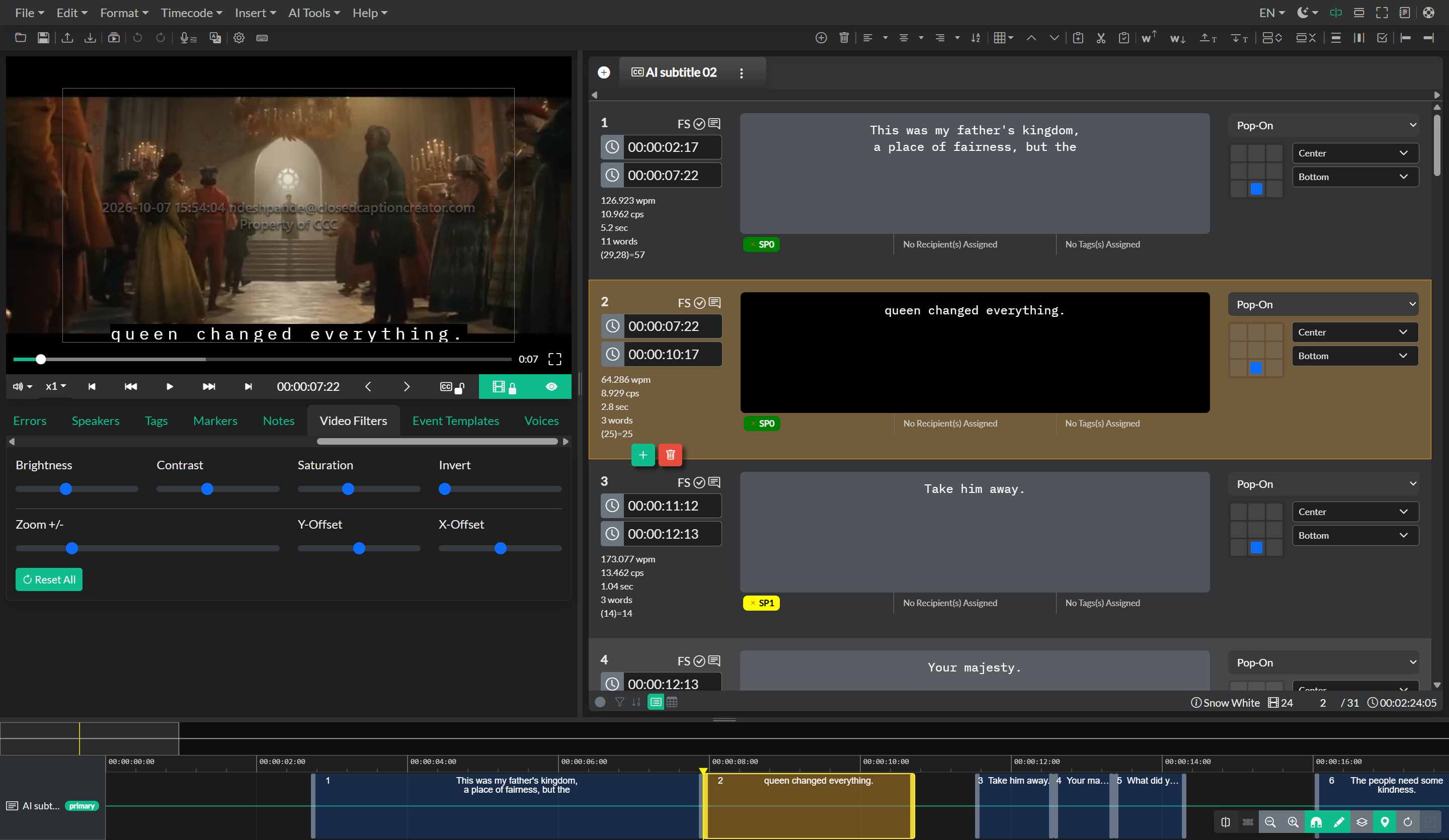
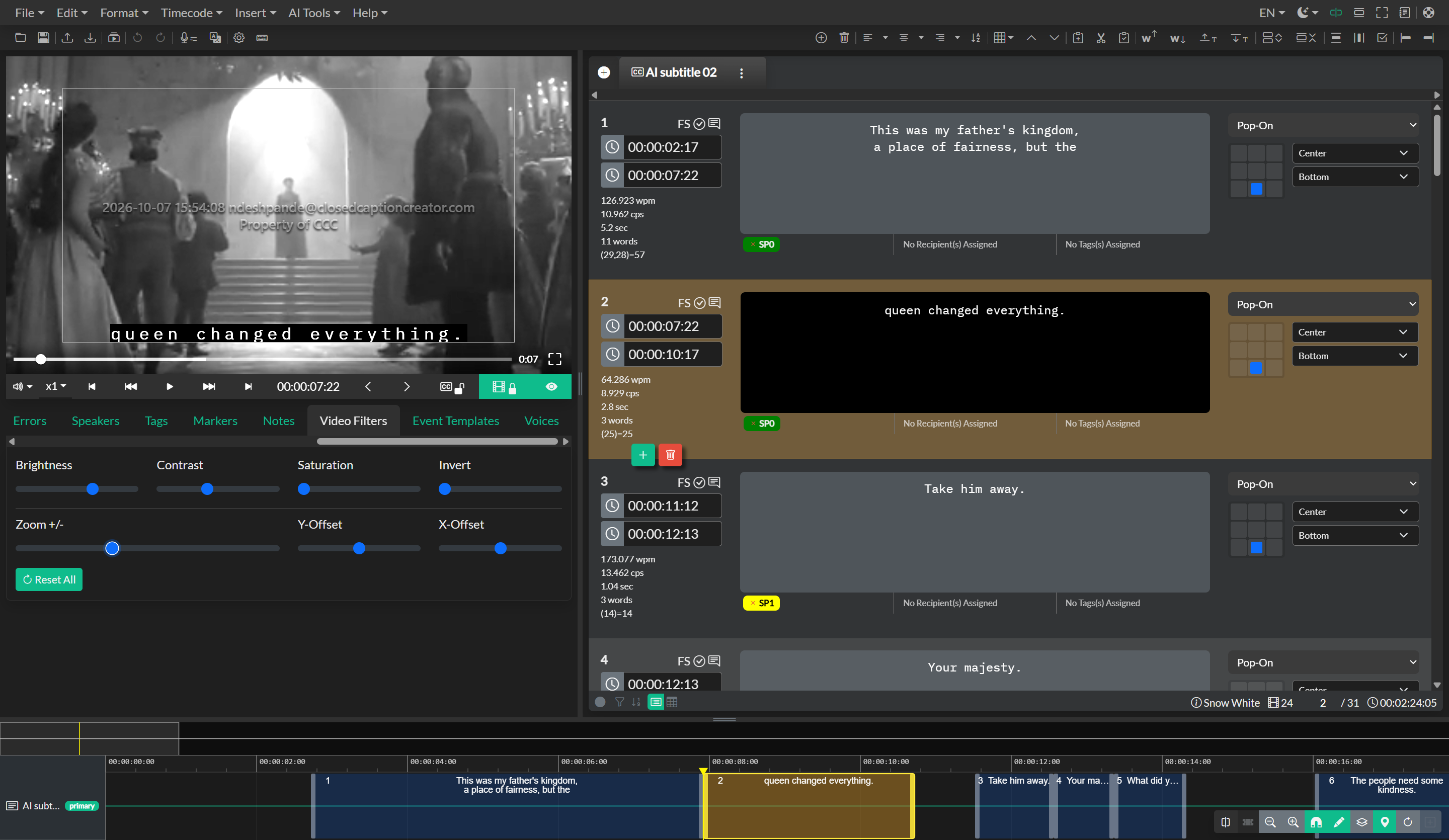
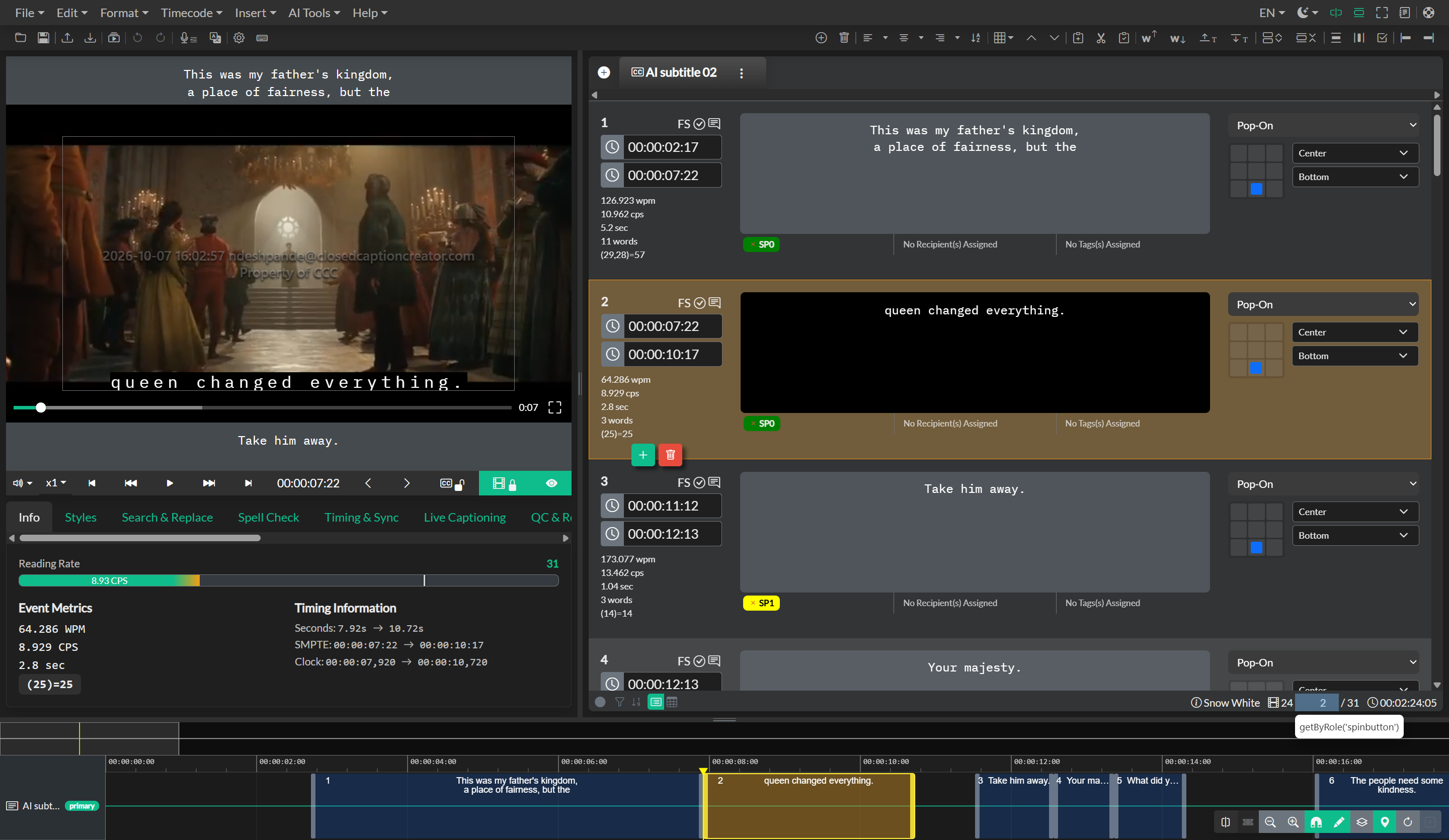
Playback speed
Use playback rate controls to slow down difficult dialogue or accelerate review passes.
Recommended use:
- Slow rates for manual transcription
- Normal rate for timing checks
- Faster rates for QC spot-checking
Troubleshooting playback
If video is black or choppy, transcode to a compatible proxy and re-import.