Project Export
Project Export saves your entire Closed Caption Creator session as a .ccprj file. This format is useful for archiving a completed project, sharing work with a collaborator using the same application, or restoring a session at a later date. Unlike exporting a subtitle file, a project export captures all aspects of the project state in a single portable package.
What the Project File Contains
A .ccprj file is a structured JSON document that includes the project settings (name, frame rate, drop frame flag), all Event Groups and their events, metadata entries, speaker definitions, markers, QC issues, and the style configuration. Because it captures the full state of the application at the time of export, a project file can be re-imported to resume work exactly where it was left off, including all custom style settings and speaker assignments.
Exporting a Project File
To export a project file, open the Primary Toolbar and go to File > Export. In the Export window, select the Project File option and click Export. There are no configurable options for this export type — the entire project is written to a .ccprj file using the current project name as the filename. The file is saved to your local drive via the standard browser save dialog or, in the desktop application, directly to the path of your choice.
Reopening a Project File
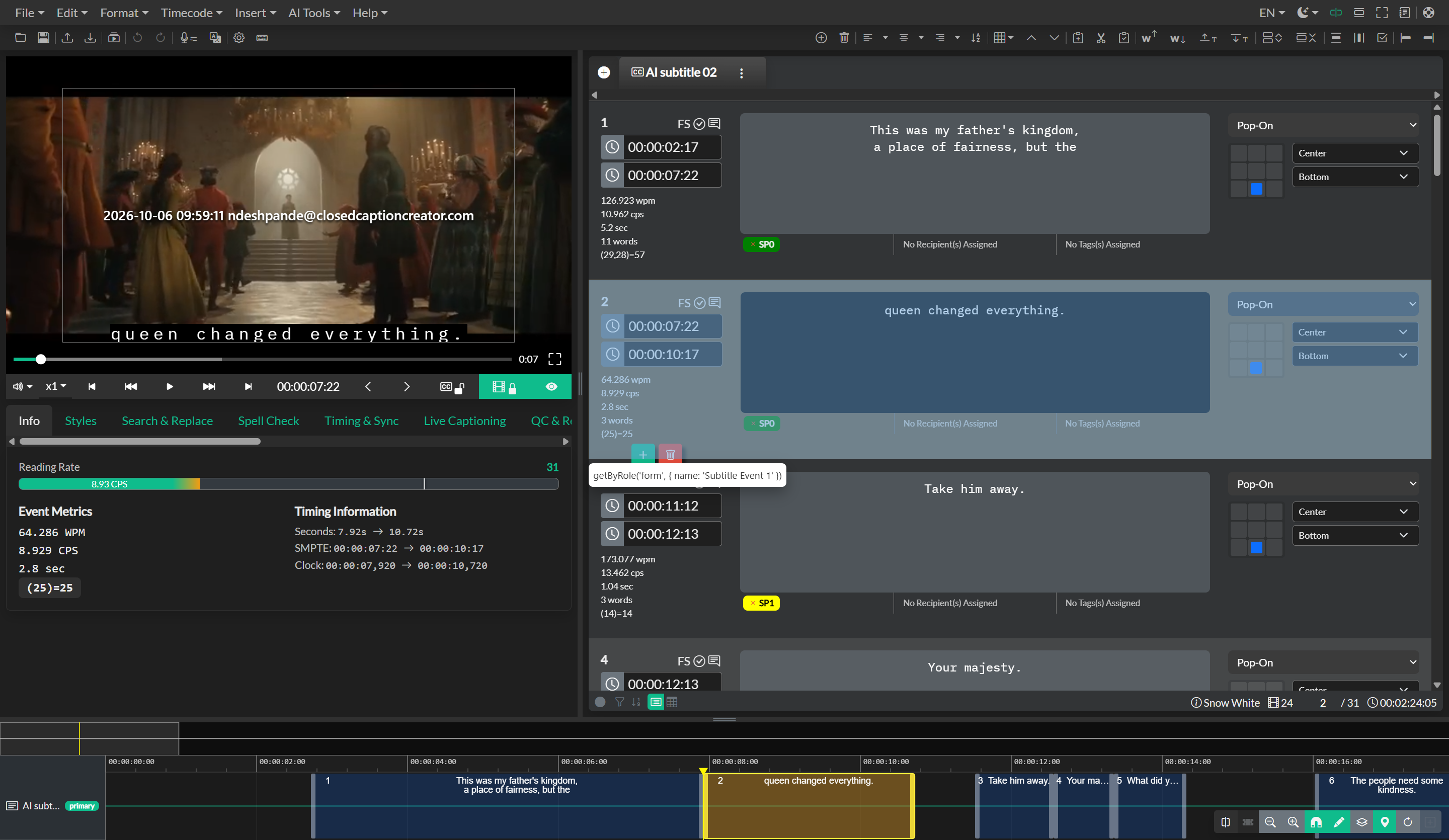
To open a .ccprj file in a new session, use File > Open and select your saved project file. The application will restore all Event Groups, events, speakers, style settings, and metadata exactly as they were at the time of export. This makes the project file format the recommended choice when handing off work to another team member or returning to a complex project after a break.